The BEST Way to Make Your Docker Containers More Secure
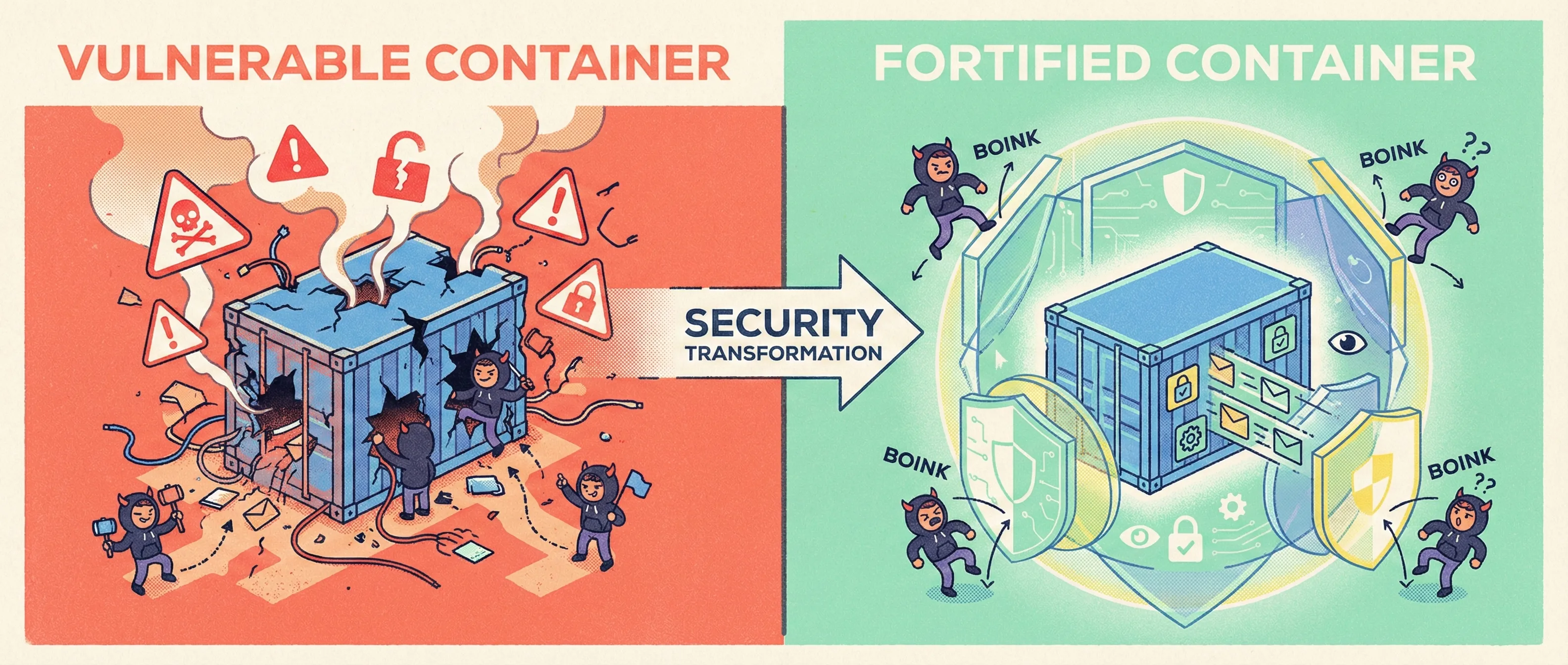
Picture this: You’ve just shipped a new micro-service to production. The container image is lean, the CI pipeline is humming, and your dashboard shows healthy traffic. Two weeks later, a security bulletin drops—your base image contains a critical CVE that allows host escape. You now have 48 hours to patch, re-test, and re-deploy every service that inherited that layer. If this scenario feels familiar, you’re not alone. Supply-chain attacks against containers have tripled since 2021, and the average cost of remediation has crossed USD 4.3 million per breach (IBM Cost of a Data Breach 2024).

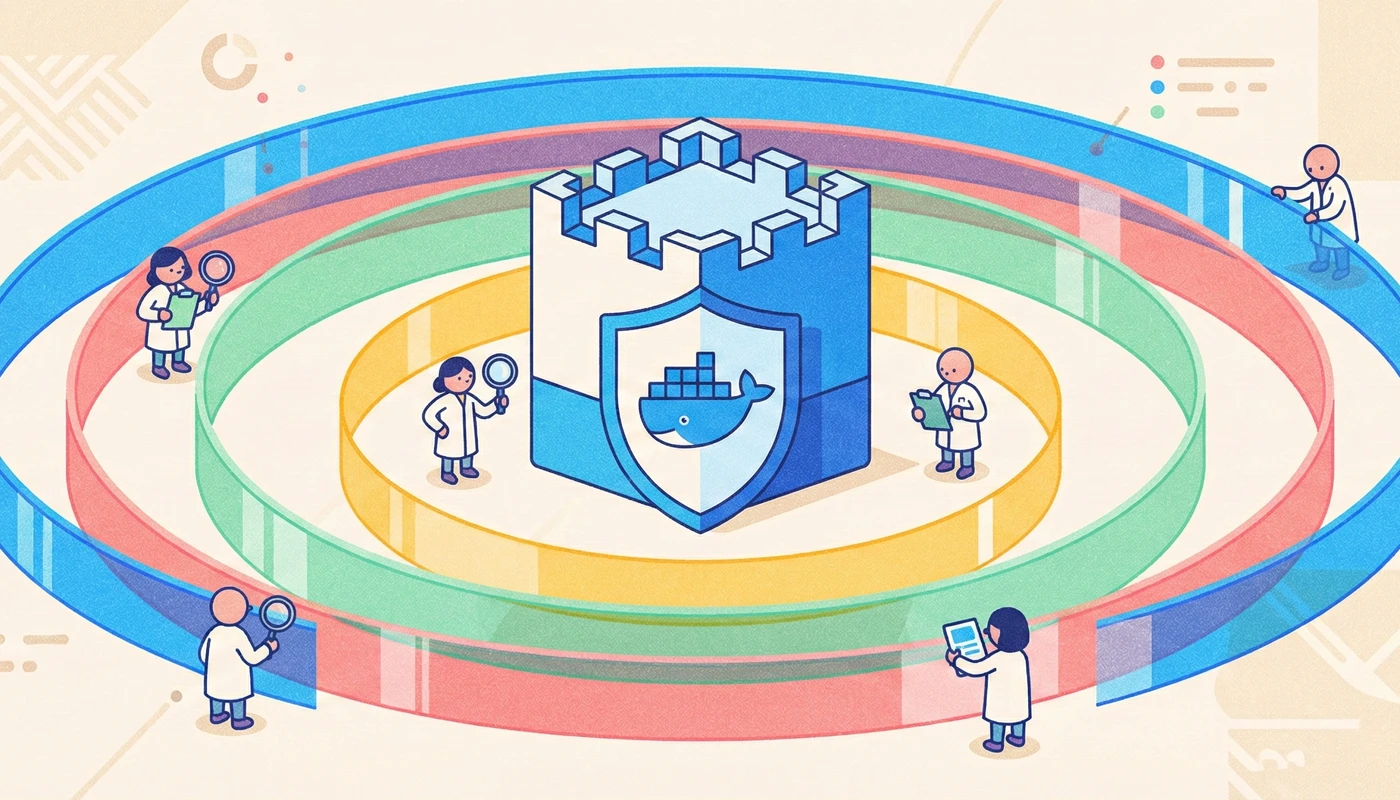
The good news? You can break the cycle. This guide walks you through a battle-tested, layered approach to hardening Docker containers—from choosing the right base image to runtime guardrails that even a busy startup CTO can enforce without hiring a dedicated security team. Whether you’re a non-technical founder who wants to understand the risk landscape or a senior engineer looking for copy-paste code snippets, you’ll find actionable advice in the next ten minutes.
1. Start With a Minimal, Transparent Base Image
Why It Matters
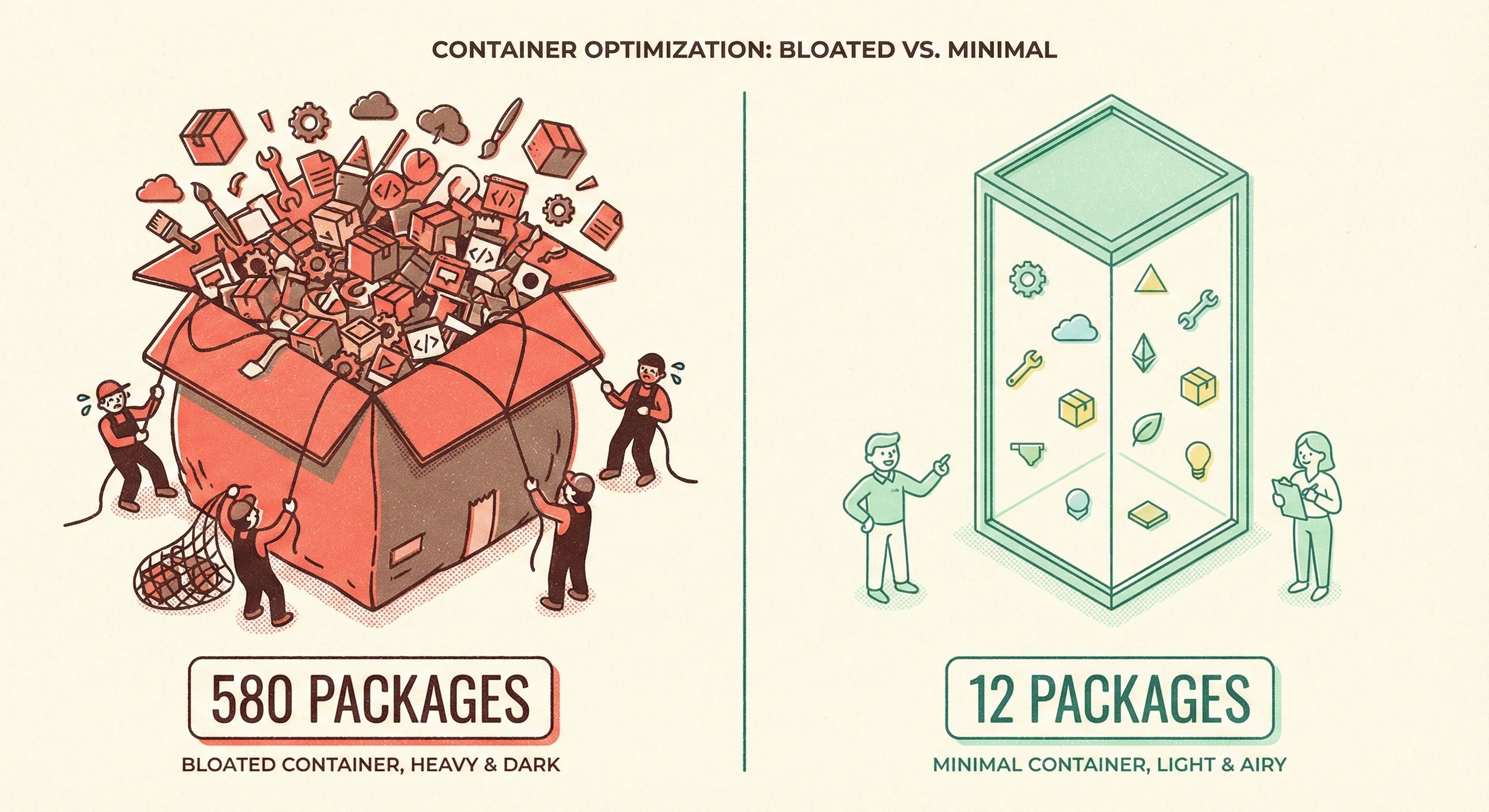
Every instruction in your Dockerfile adds attack surface. A stock node:20 image ships 580 packages; an alpine:3.19 variant ships 12. Fewer packages mean fewer CVEs, faster scans, and smaller transfer bills.
Quick Win (Non-Technical)
Replace:
FROM node:20with:
FROM node:20-alpineand you just shaved ~800 MB and ~550 potential vulnerabilities off the final image.
Deep Dive (Technical)
- Prefer images that publish SBOMs (Software Bill of Materials) and SLSA Level 3 provenance.
Example—inspect an SBOM in CI:
syft node:20-alpine -o spdx-json > sbom.spdx.json - Pin to a digest, not a tag, to guarantee immutability:
FROM node:20-alpine@sha256:3abc123… - Re-build weekly—even stable tags receive security updates. Automate with GitHub Actions:
on:
  schedule:
    - cron: '0 6 * * 1'   # Monday 6 AM UTC
2. Build Distroless or Scratch When You Can
Why It Matters
Even Alpine contains busybox and apk, both of which had CVEs in 2024. Google’s distroless images contain only your app and runtime dependencies—no shell, no package manager, no problem.
Quick Win
If you ship a Go binary:
FROM gcr.io/distroless/static-debian12:latest
COPY myapp /
ENTRYPOINT ["/myapp"]
Final image size: ~2 MB and zero shell.
Deep Dive
- Multi-stage builds keep build-time secrets out of the final image:
FROM golang:1.22 AS build WORKDIR /src COPY . . RUN CGO_ENABLED=0 go build -o myapp FROM gcr.io/distroless/static-debian12 COPY --from=build /src/myapp / USER nonroot:nonroot ENTRYPOINT ["/myapp"] - Validate the binary still works under seccomp and AppArmor profiles (see §7).

3. Never Run as Root (Even Locally)
Why It Matters
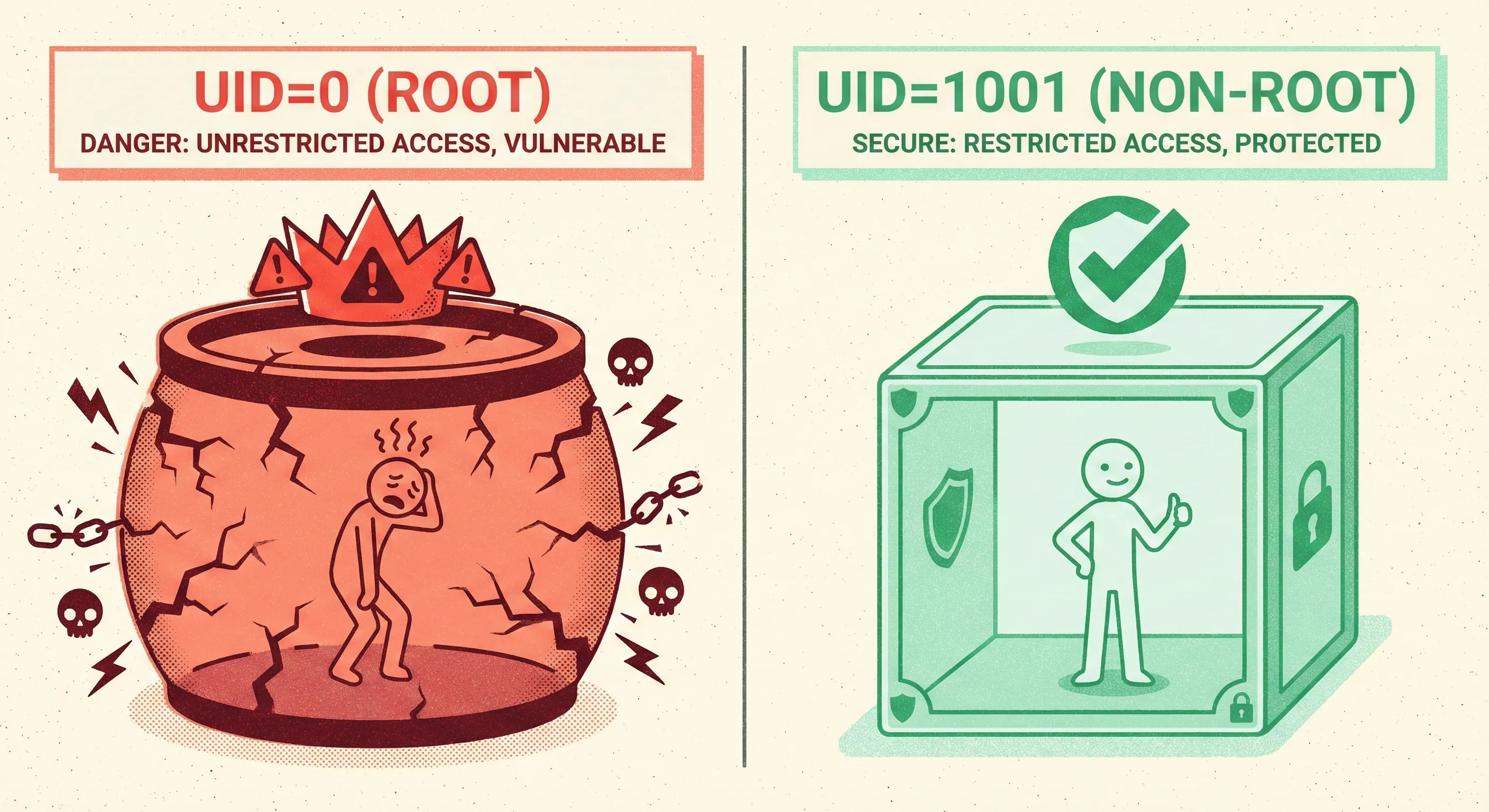
Container breakouts usually start with root UID inside the container. Kernel exploits like CVE-2024-21626 (leaked file descriptor) become instant host compromise when UID=0.
Quick Win
Add one line to your Dockerfile:
USER 1001or use the distroless nonroot user (UID 65532).
Deep Dive
Kubernetes overrides:
securityContext:
  runAsNonRoot: true
  runAsUser: 1001
  allowPrivilegeEscalation: false
Pro tip: Combine with readOnlyRootFilesystem: true and attackers can’t drop binaries or modify /etc/passwd.
4. Drop All Capabilities, Then Add Back One-by-One
Why It Matters
Linux capabilities divide root powers into 40-odd slices. Most apps need none; databases may need CAP_DAC_OVERRIDE, load-balancers CAP_NET_BIND_SERVICE. Default Docker grants 14 capabilities—way too generous.
Quick Win
Kubernetes manifest:
securityContext:
  capabilities:
    drop: ["ALL"]
    add: ["NET_BIND_SERVICE"]   # only if you bind to port 80/443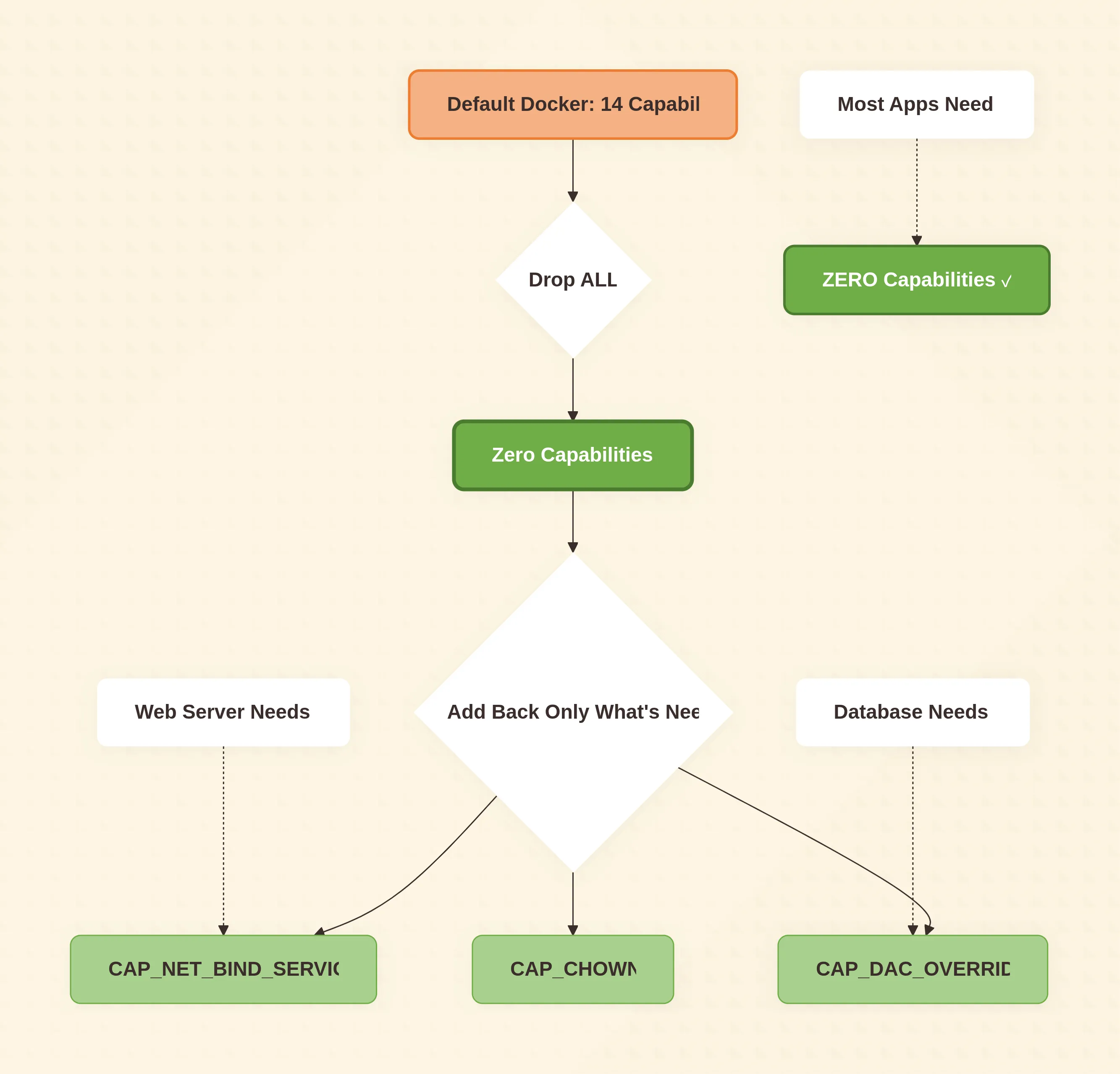
Deep Dive
Use strace to discover what you actually need:
docker run --rm -it --cap-drop=ALL --security-opt seccomp=unconfined myimage
strace -c -f myapp
Add only the syscalls that fail.
5. Scan Early, Scan Often, Break the Build
Why It Matters
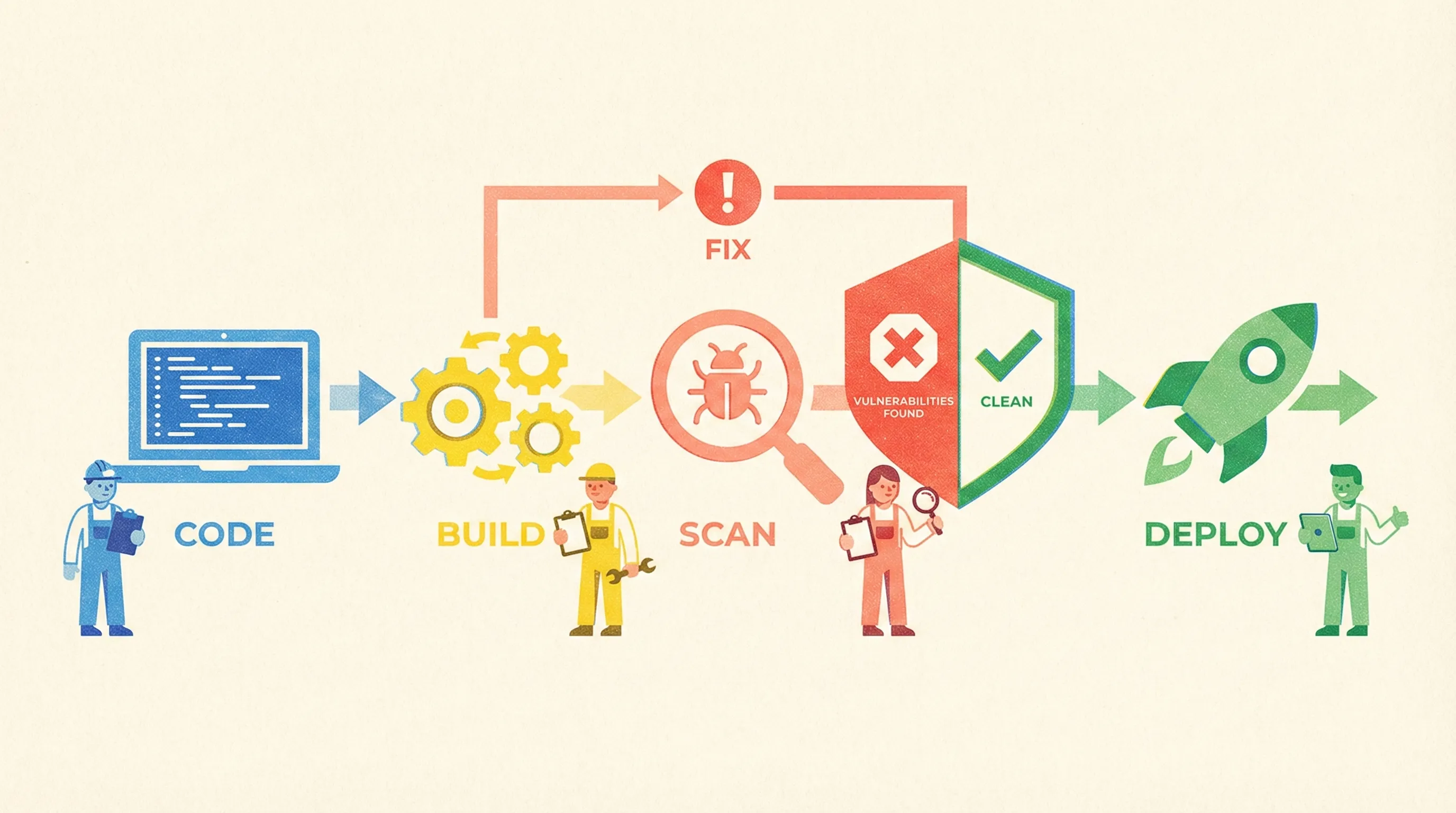
A CVE caught in CI costs 1/10th to fix versus production. Yet 49 % of teams still scan after deployment (StackHawk 2024).
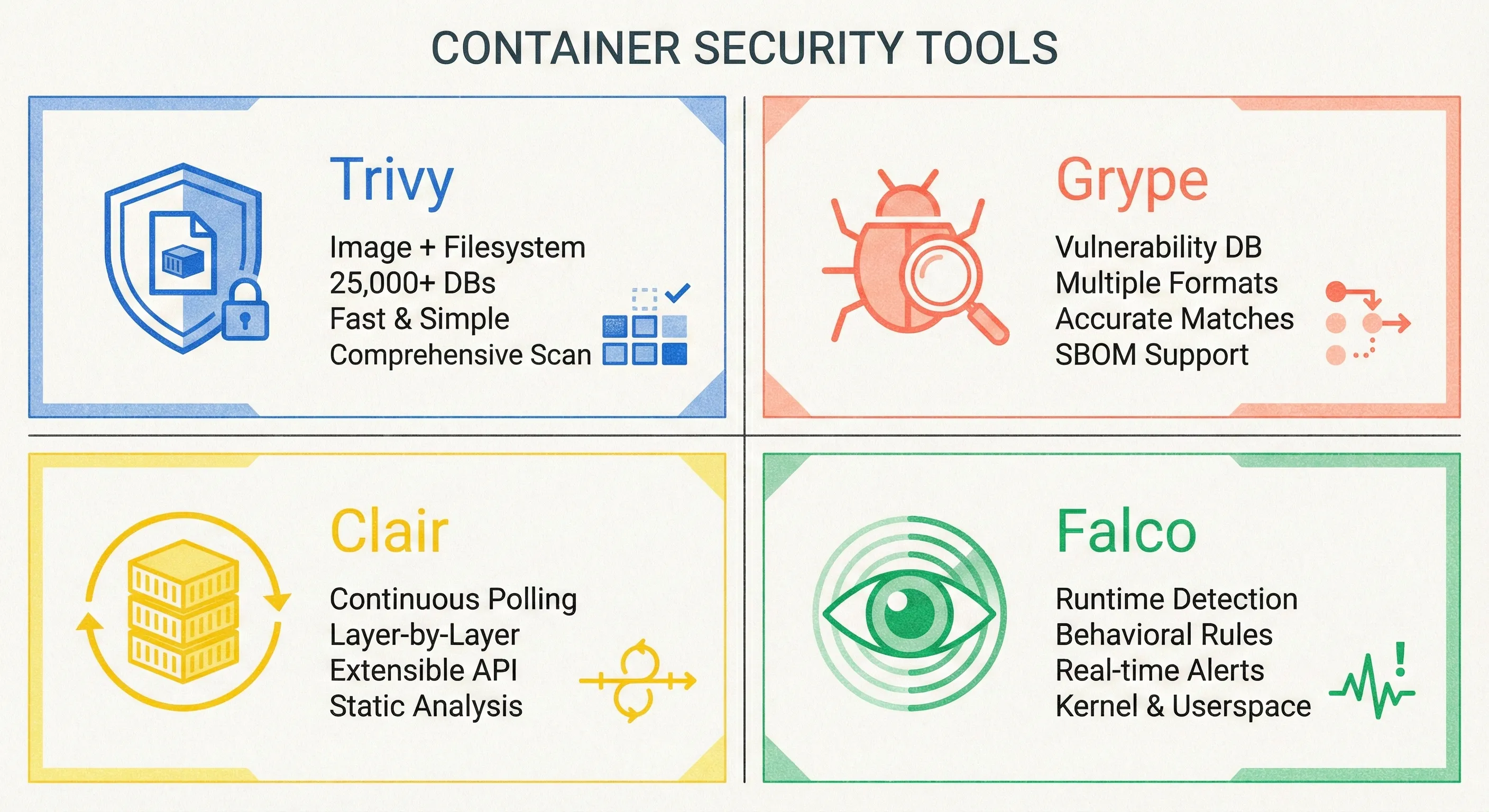
Tooling Matrix
| Open-Source | Purpose | CI-Friendly |
|---|---|---|
| Trivy | Image + fs + repo | trivy fs --exit-code 1 . |
| Grype | Vuln + SBOM | grype sbom:sbom.spdx.json |
| Clair | Registry polling | Helm chart available |
| Falco | Runtime rules | eBPF syscall hook |
Quick Win – GitHub Actions
- uses: aquasecurity/trivy-action@master
  with:
    image-ref: 'ghcr.io/org/app:${{ github.sha }}'
    exit-code: '1'          # fail job on CVE
    severity: 'CRITICAL,HIGH'
Deep Dive – Policy as Code
Create .trivyignore for accepted risk, version in Git.
Example:
CVE-2023-12345 # only affects Windows, we run LinuxTreat ignore entries like code comments—require PR review.
6. Sign, Verify, and Enforce Admission Policy
Why It Matters
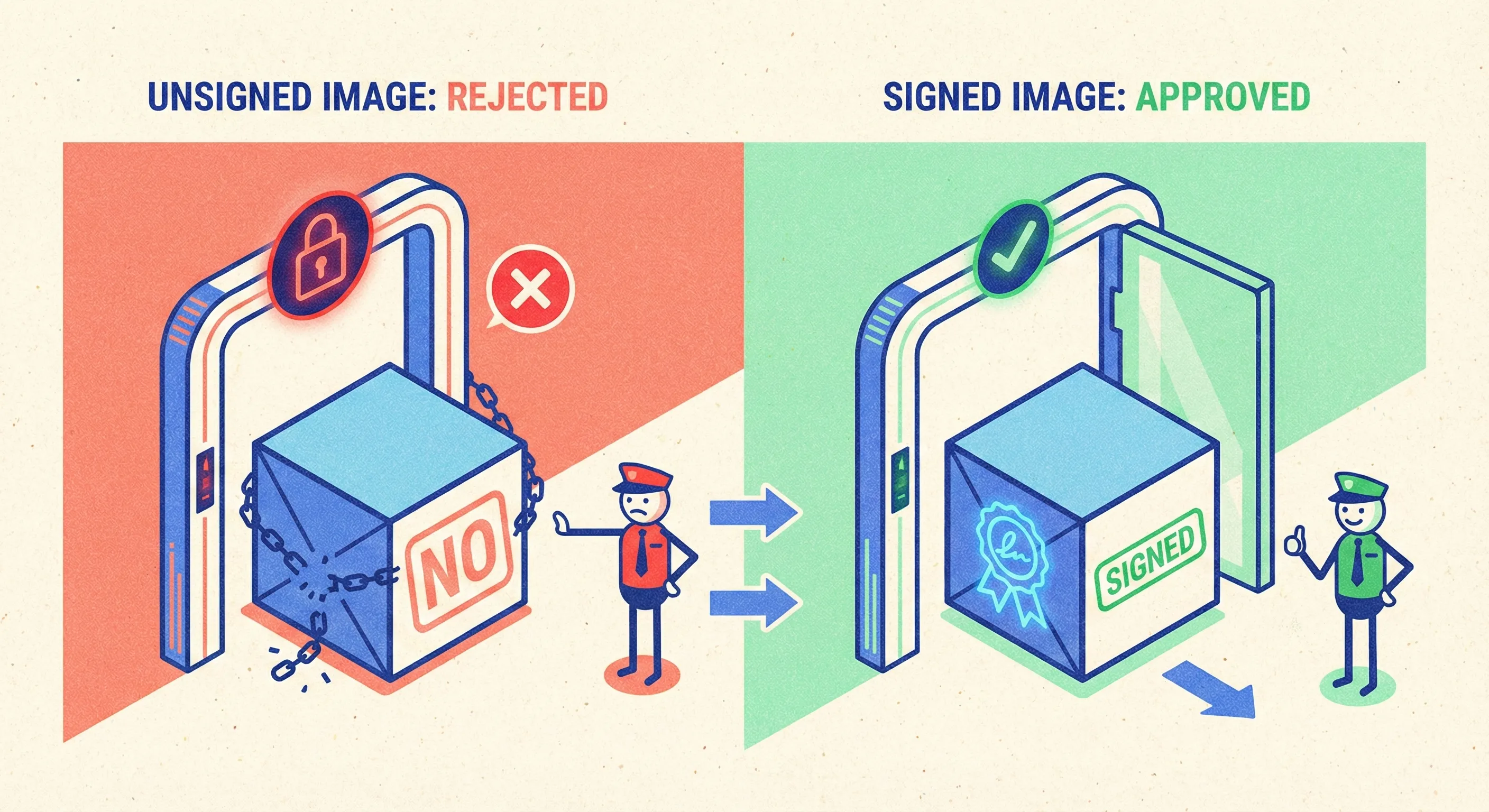
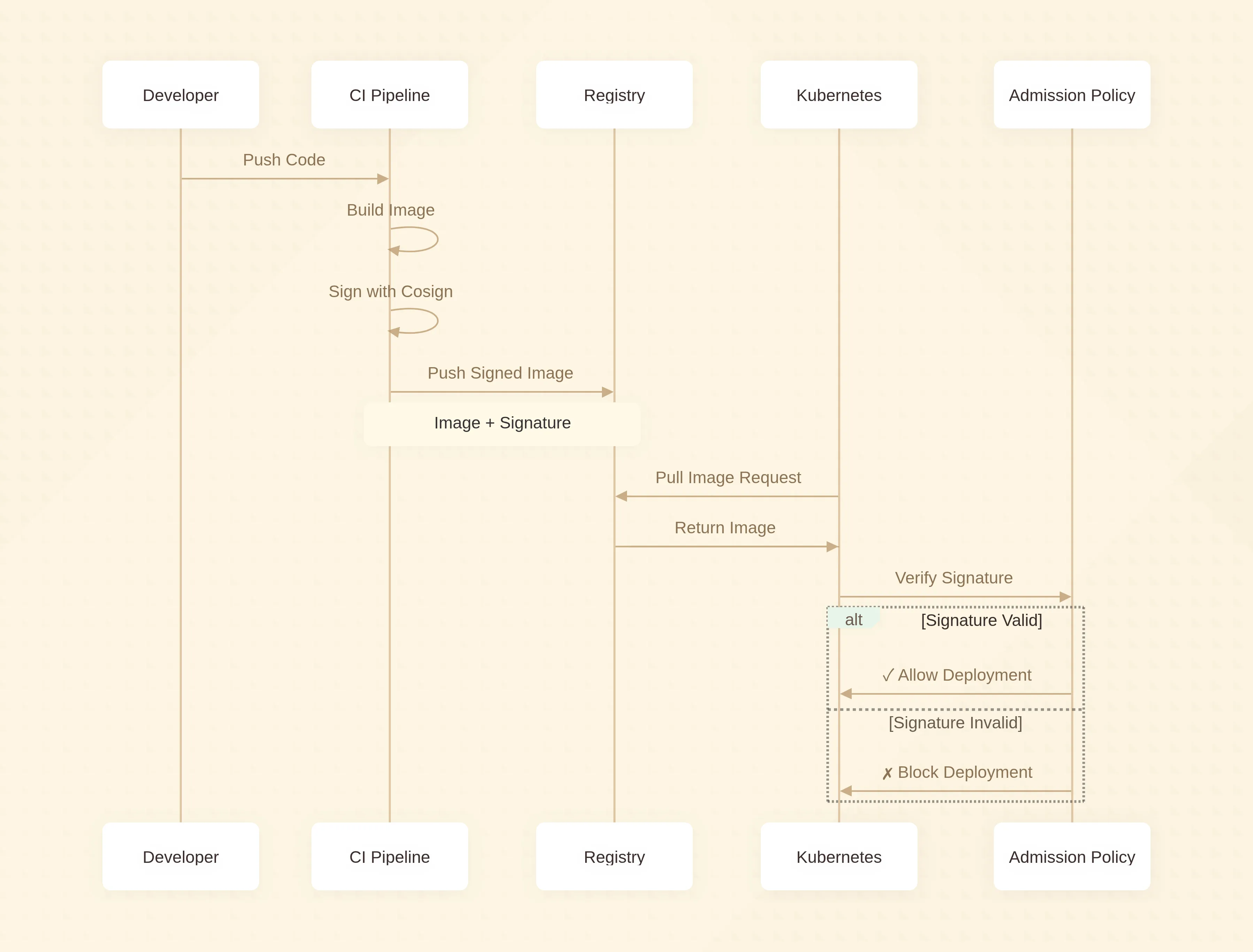
Supply-chain attacks don’t inject code—they replace images. Cosign + Kyverno/OPA Gatekeeper lets you reject unsigned or non-attested images at the cluster gate.
Quick Win
- Sign image:
cosign sign --key cosign.key ghcr.io/org/app:1.2.3 - Verify in CI:
cosign verify --key cosign.pub ghcr.io/org/app:1.2.3
Deep Dive – Kyverno ClusterPolicy
apiVersion: kyverno.io/v1
kind: ClusterPolicy
metadata:
  name: verify-image-signature
spec:
  validationFailureAction: Enforce
  rules:
  - name: check-signature
    match:
      resources:
        kinds: ["Pod"]
    verifyImages:
    - image: "ghcr.io/org/*"
      key: |-
        -----BEGIN PUBLIC KEY-----
        ...
Apply once, protect every namespace.
7. Runtime Armor: Seccomp, AppArmor, SELinux
Why It Matters
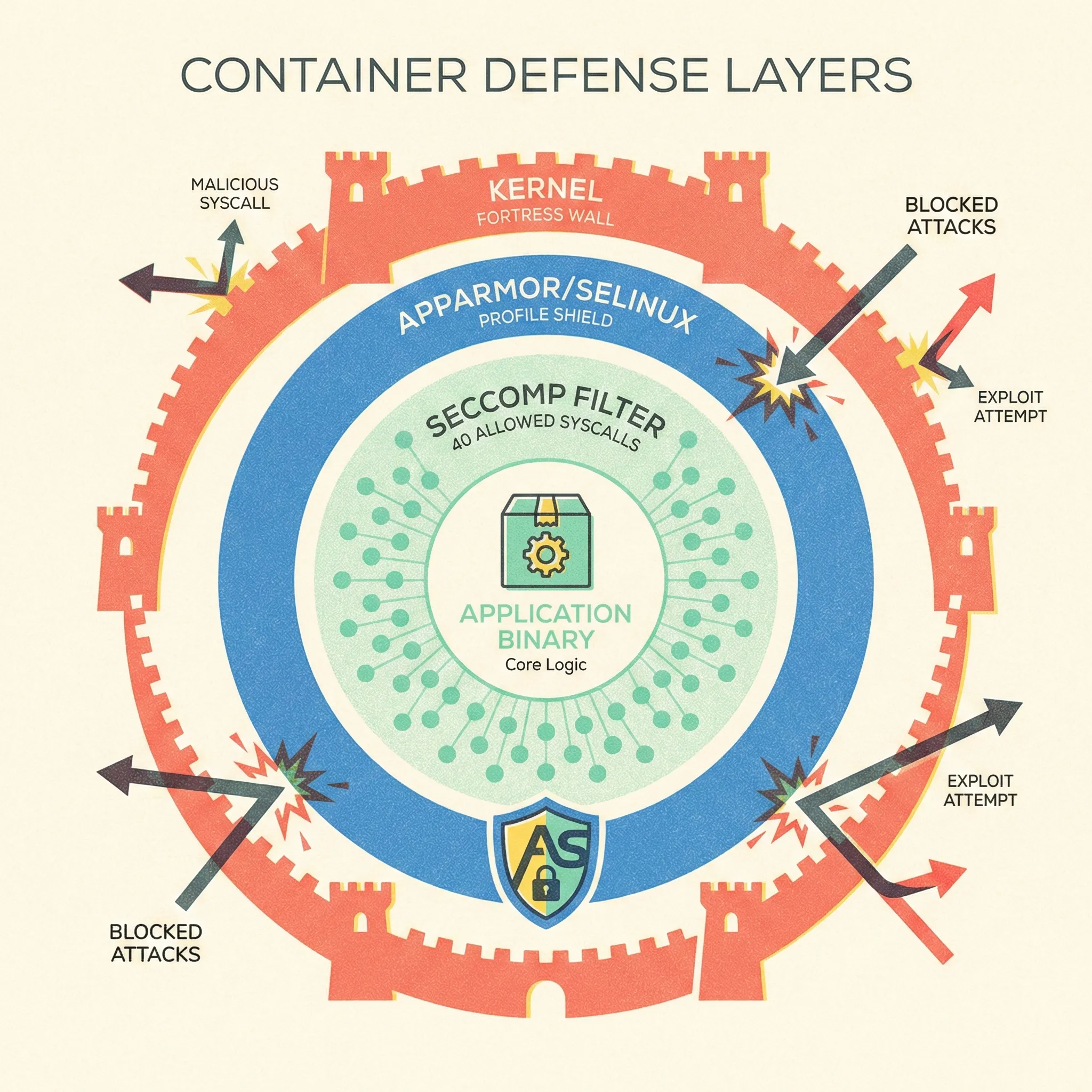
Zero-day exploits will happen. Syscall filtering chops the kernel interface down to ~40 safe calls, slashing exploit chains.
Quick Win
Docker Desktop and most managed Kubernetes already apply default-seccomp. Ensure you don’t run with --security-opt seccomp=unconfined unless you profile first.
Deep Dive
- Generate custom profile:
Usedocker run --rm -it --security-opt seccomp=unconfined \ --security-opt apparmor=unconfined myappoci-seccomp-bpf-hookto log syscalls, then whitelist:{ "defaultAction": "SCMP_ACT_ERRNO", "syscalls": [ { "names": ["accept", "bind", "clone"], "action": "SCMP_ACT_ALLOW" } ] } - Load into Kubernetes via SecurityContext:
securityContext:
  seccompProfile:
    type: Localhost
    localhostProfile: profiles/myapp.json
8. Keep Secrets Out of Layers and ENV
Why It Matters
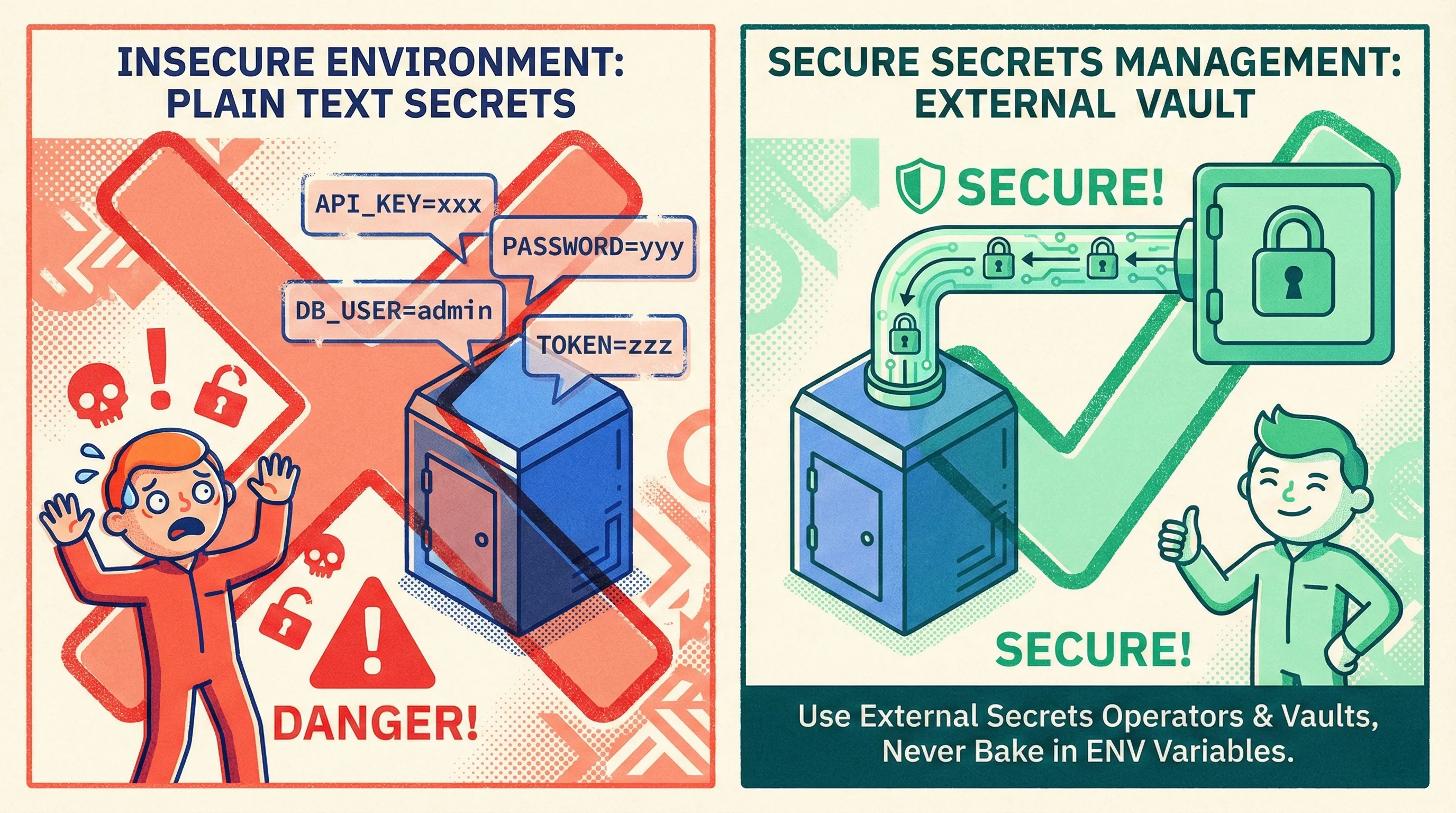
docker history shows every ENV and RUN command. One ENV AWS_SECRET_ACCESS_KEY=xxx and you’ve gifted credentials to anyone with pull access.
Quick Win
Use BuildKit’s secret mount:
# syntax=docker/dockerfile:1
RUN --mount=type=secret,id=npmrc \
    cp /run/secrets/npmrc $HOME/.npmrc && \
    npm ci && \
    rm $HOME/.npmrc
Build command:
DOCKER_BUILDKIT=1 docker build --secret id=npmrc,src=.npmrc .Deep Dive – Runtime Injection
- Prefer external secret stores: AWS Secrets Manager, Azure Key Vault, HashiCorp Vault.
- Mount via CSI driver or Secrets Store CSI; never bake into image.
- Rotate on a schedule—Kubernetes external-secrets operator makes it painless.
9. Network Segmentation Isn’t Optional
Why It Matters
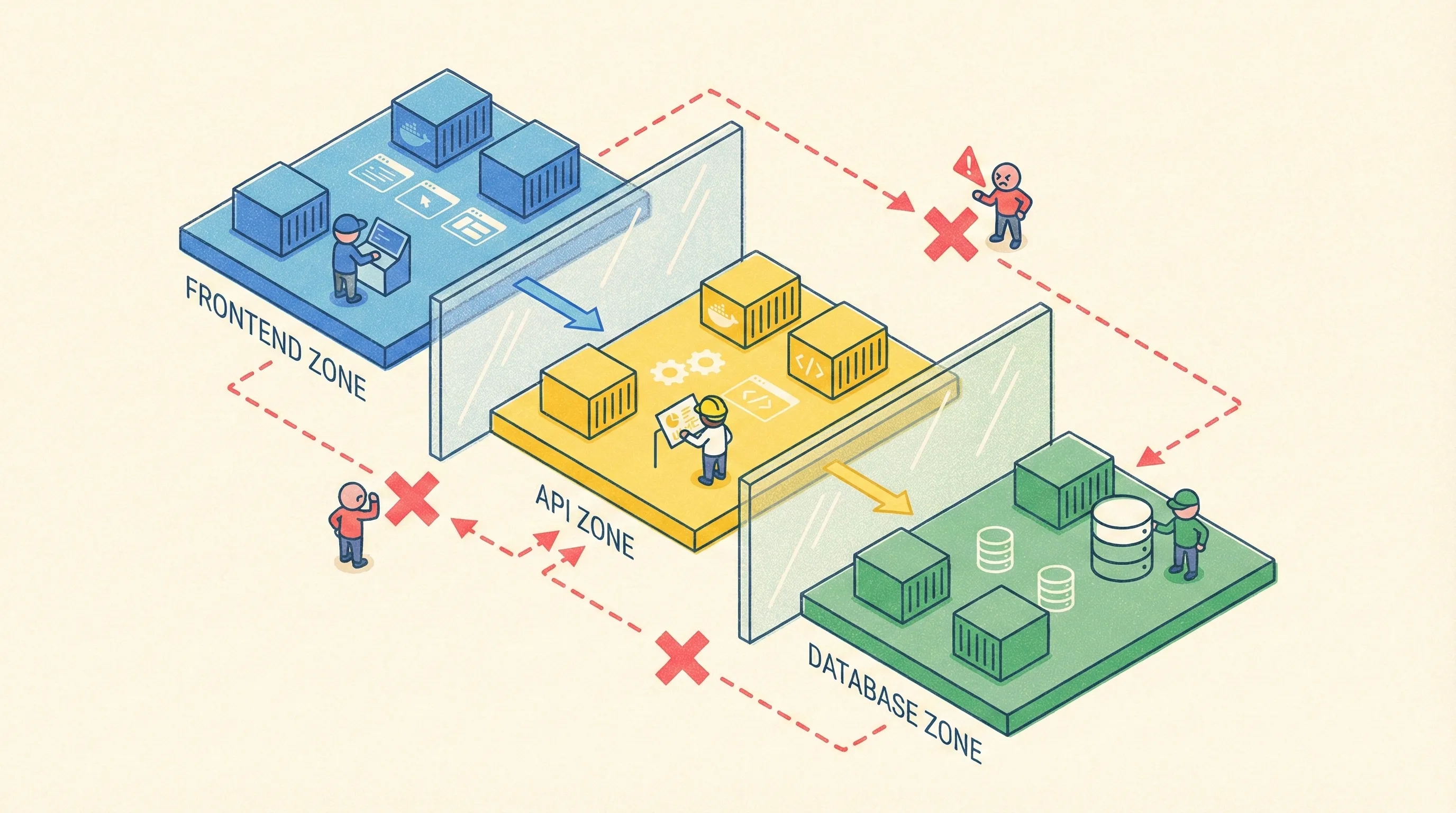
Flat networks let attackers pivot. A compromised frontend container shouldn’t reach the database port—yet 68 % of breached clusters had no NetworkPolicy (Red Hat 2024 survey).
Quick Win
Calico or Cilium ships with most managed Kubernetes. Deny-all by default:
apiVersion: networking.k8s.io/v1
kind: NetworkPolicy
metadata:
  name: deny-all-ingress
spec:
  podSelector: {}
  policyTypes: ["Ingress"]
Then open only required labels:
- from:
  - podSelector:
      matchLabels:
        app: api
  ports:
  - protocol: TCP
    port: 5432
Deep Dive – Service Mesh Sidecars
If you need mTLS between micro-services, Istio or Linkerd can encrypt traffic without code changes. Traffic permissions (AuthorizationPolicy) replace IP-based firewall rules with identity-based rules:
apiVersion: security.istio.io/v1beta1
kind: AuthorizationPolicy
metadata:
  name: frontend-to-api
spec:
  selector:
    matchLabels:
      app: api
  rules:
  - from:
    - source:
        principals: ["cluster.local/ns/default/sa/frontend"]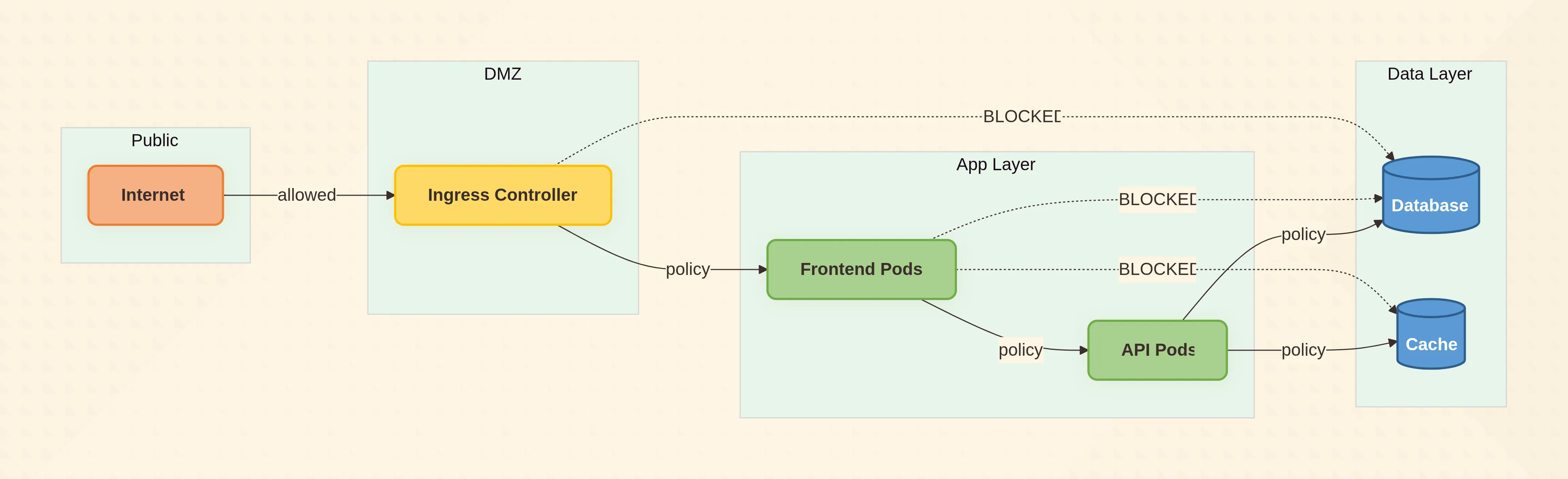
10. Continuous Red-Team Validation
Why It Matters
Compliance checklists lag real threats. Tools like kube-score, kubesec, and Popeye spot mis-configurations before pentesters do.
One-Minute Audit
kubectl kubesec-scan deployment/myappSample output:
[CRITICAL] Container allows privilege escalation
[WARNING] No resource limits specified
[HINT] Apply seccomp profile
Fix, re-scan, push.
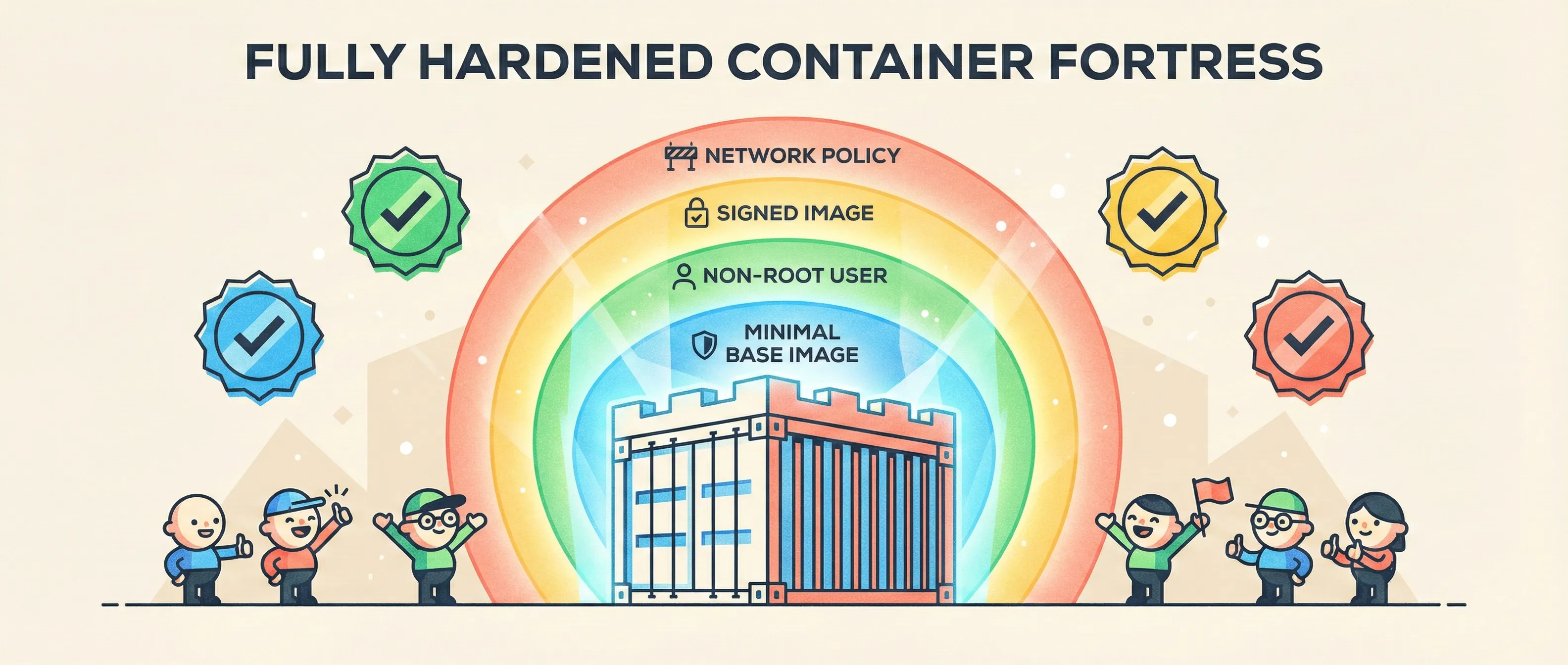
Putting It All Together – A Hardened Dockerfile Template
# syntax=docker/dockerfile:1
FROM gcr.io/distroless/nodejs20-debian12:latest
COPY --chown=nonroot:nonroot --from=build /app /app
USER nonroot:nonroot
WORKDIR /app
ENTRYPOINT ["node", "server.js"]
Kubernetes manifest snippet:
spec:
  securityContext:
    runAsNonRoot: true
    runAsUser: 65532
    fsGroup: 65532
    seccompProfile:
      type: RuntimeDefault
  containers:
  - name: app
    image: ghcr.io/org/app@sha256:3abc…
    securityContext:
      allowPrivilegeEscalation: false
      readOnlyRootFilesystem: true
      capabilities:
        drop: ["ALL"]
    resources:
      limits:
        memory: "256Mi"
        cpu: "500m"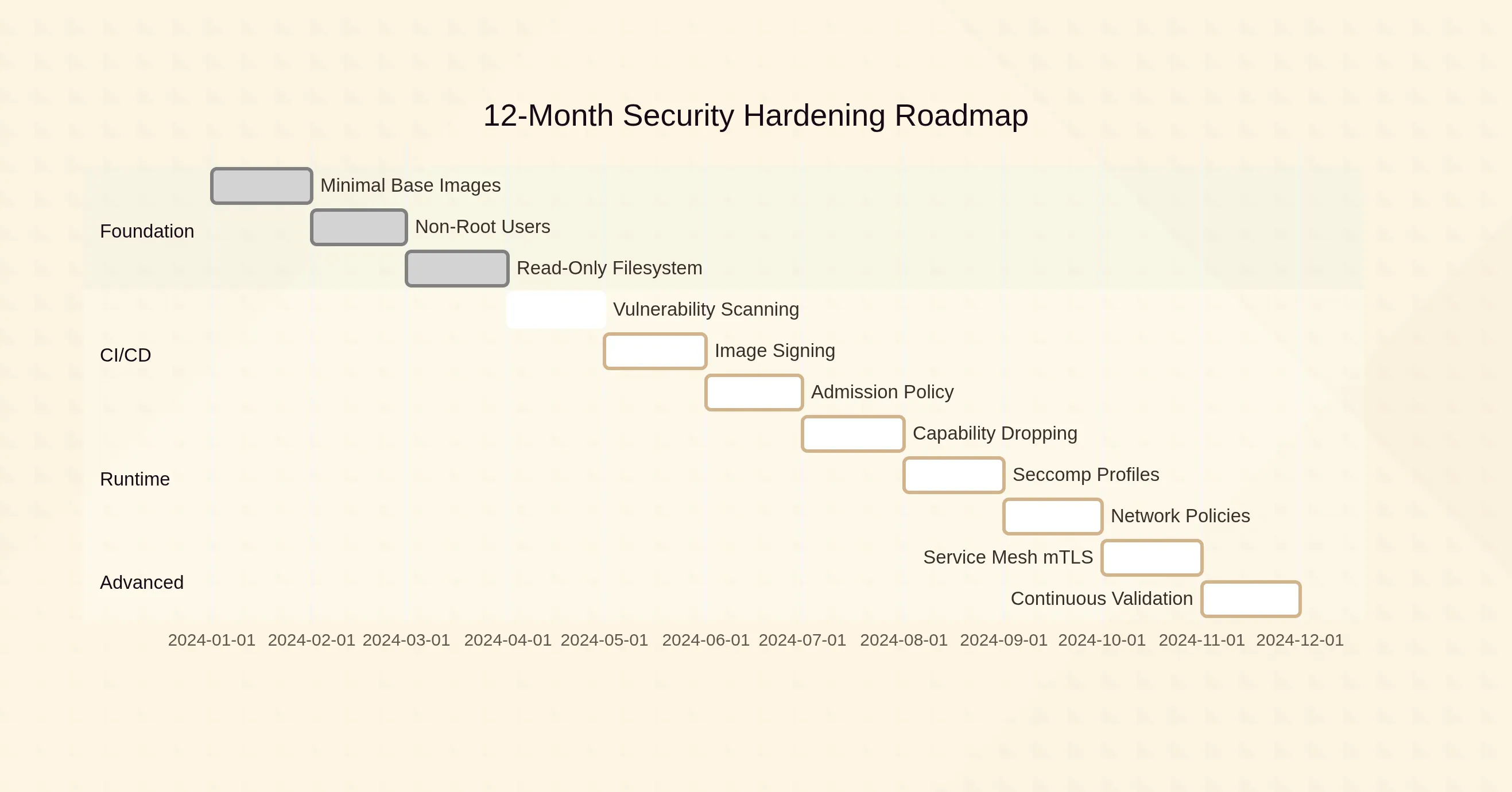
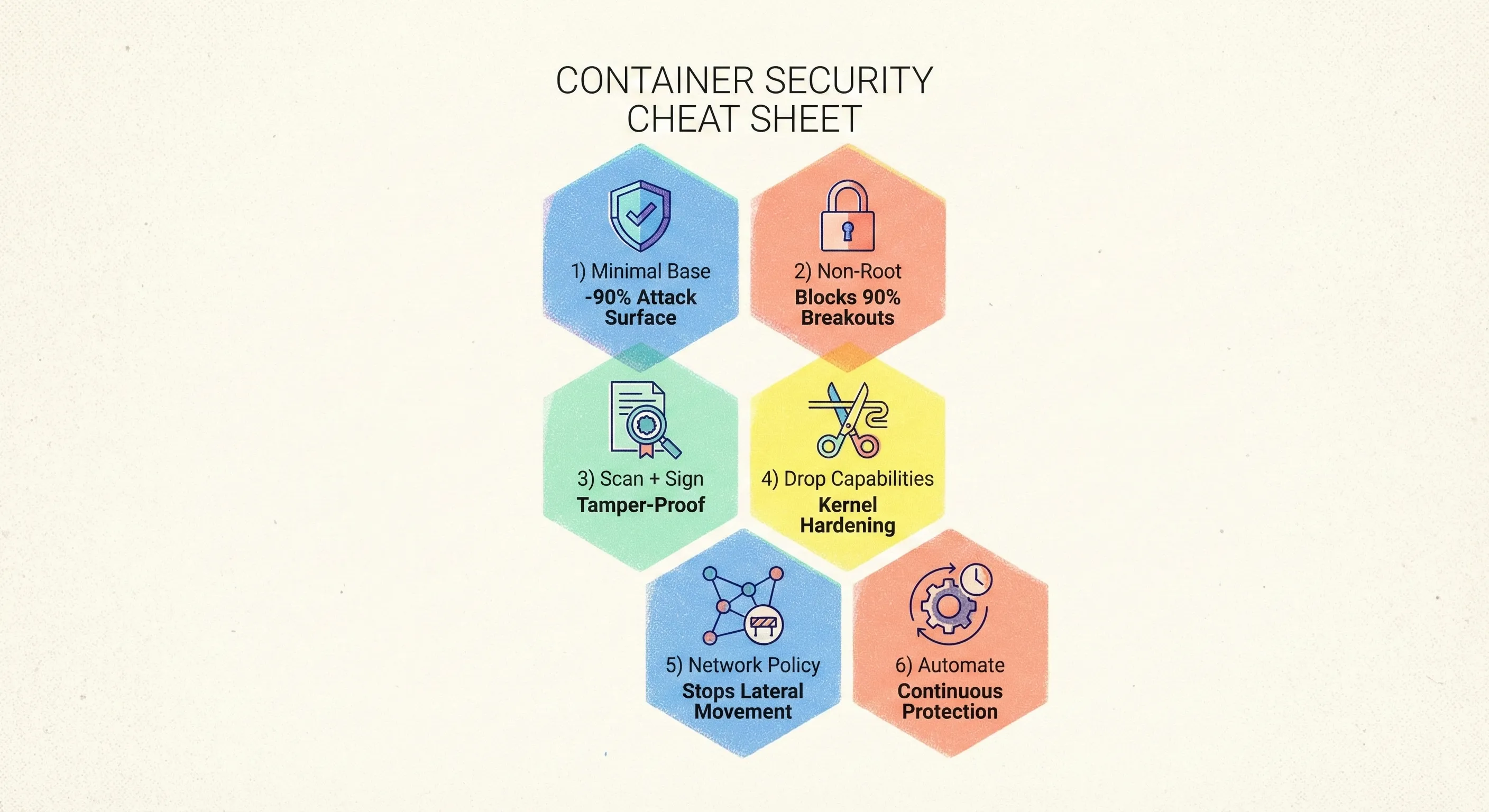
Key Takeaways (CTO Cheat Sheet)
- Minimal base → smaller blast radius.
- Non-root + read-only FS → blocks 90 % of breakout scripts.
- Scan in CI, sign images, enforce admission → tamper-proof supply chain.
- Drop capabilities + seccomp → kernel exploits become much harder.
- NetworkPolicy + mTLS → lateral movement dies at the first hop.
- Automate, then verify—red-team your own cluster every sprint.
Implementing the full stack might feel daunting, but each layer compounds. Start with §1–3 this week, add scanning next sprint, and roll out NetworkPolicy the following. Twelve months from now, when the next zero-day drops, your pager will stay quiet—and your Docker containers will be the last target on the attacker’s list.